
A little more life in every chapter
Your books.
A whole cast of voices.
Turn stories into audiobooks with a voice for every character. Create on your own hardware or use a speech API, then pick up where you left off on the web or Android.
Hear the differenceBreeze · Qwen · Inworld · ElevenLabs
01 / Press play
Same scene.
Three ways to tell it.
Breeze edition
1:16Original synthetic voices designed with Breeze.
Read along Choose a passage to seek
The scene is loading. You can still play the recording above.
02 / Settle into the story
Listen. Read along.
Come back to your place.
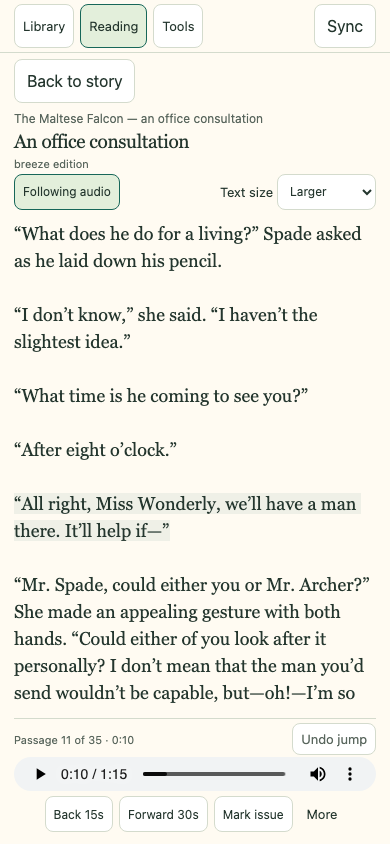
Passage highlighting, saved progress, playback speed, and separate editions, in a reader that gives the book room to breathe.
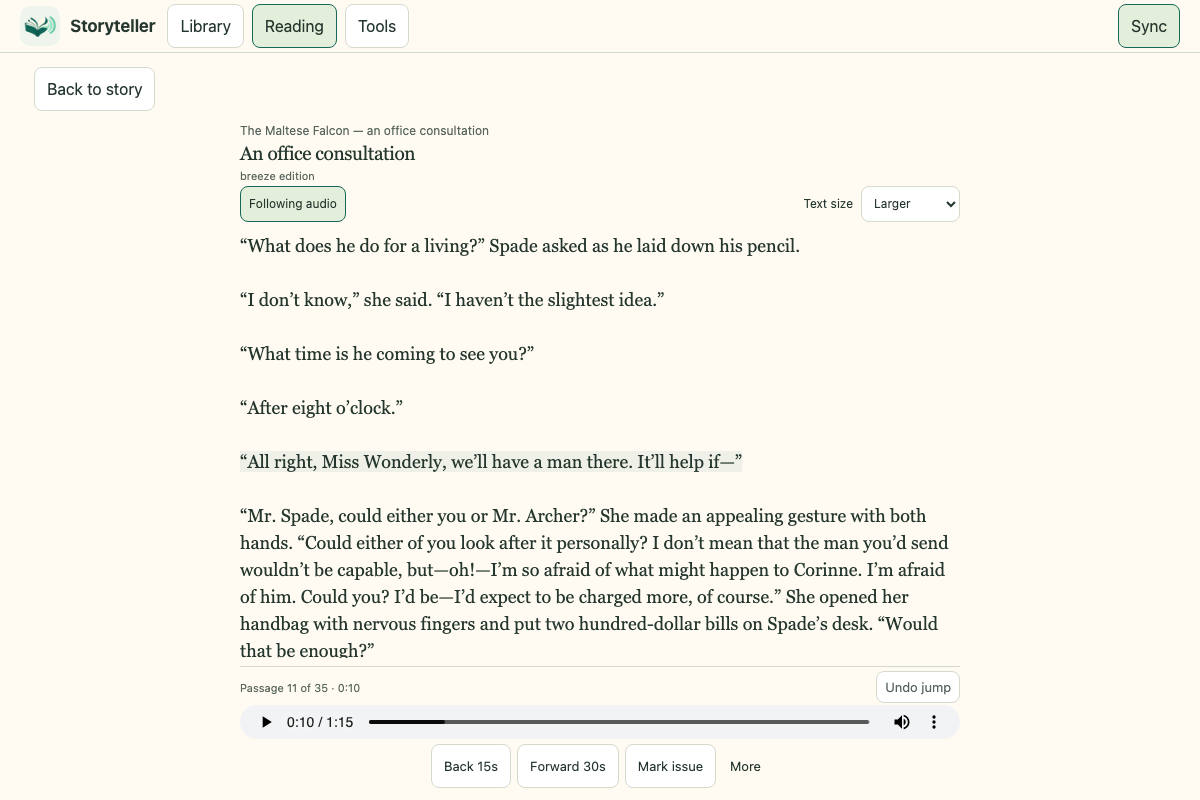
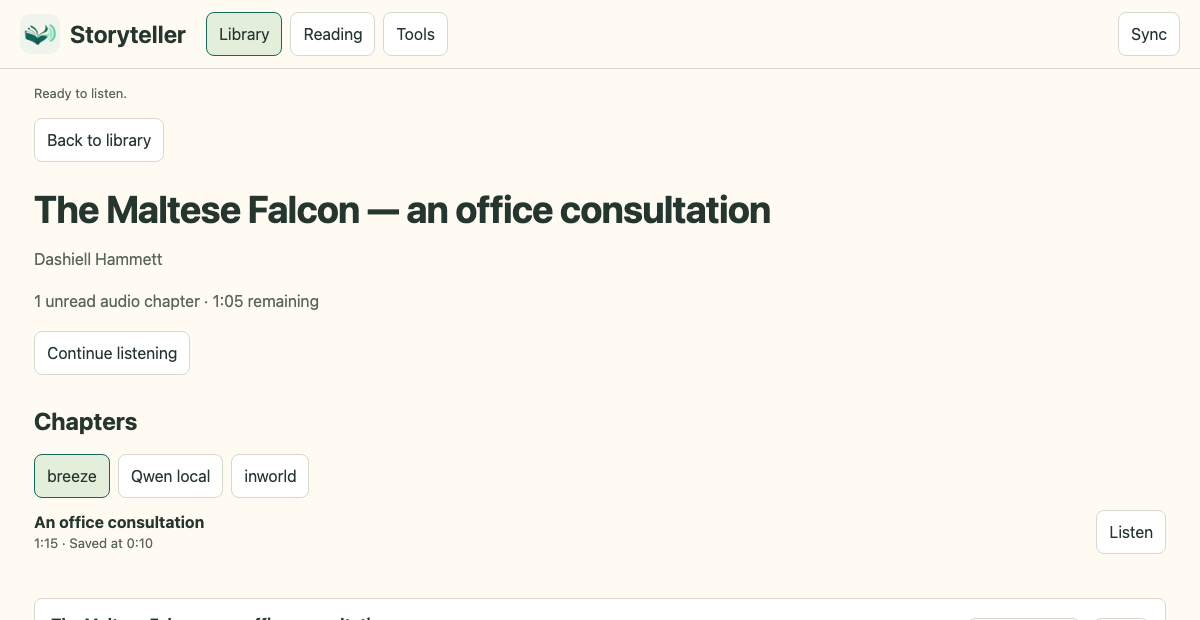
One book, your choice of voice.
Switch between recordings from the book's edition picker. Each keeps its own passage timings.
03 / Make it yours
Your next
chapter starts here.
Run Storyteller on your computer or server. The bundled sample gets you listening before you set up a voice engine.
Have Git, Node.js 22.13+, and Docker Compose ready. On Windows, use WSL2 for these commands.
Full setup guidegit clone https://github.com/benbernard/storyteller.git
cd storyteller
node scripts/setup.mjs
docker compose build listener
docker compose run --rm sample
docker compose up -d --wait listenerOpen localhost:8080/listen/. Sign in as listener with the password in data/credentials/listener-password.
When you're ready to create
Pick your voice engine.
Synthetic voice design, acting directions, and passage review on an Apple Silicon Mac.
QwenLocal speech & automatic followsA second Mac speech option, with automatic chapter follows and listening buffers.
InworldSpeech APIUse your Inworld account and voices, with spending ceilings and resumable batches.
ElevenLabsSpeech APIGenerate with v3, Flash, or Multilingual, with persistent casting and selective repairs.